
Buying Bitcoin with Hardblock
This article outlines how to buy bitcoin using your Hardblock account.
First up, after registering and verifying your account, you'll need to deposit Australian Dollars in your account to buy bitcoin.
If you need help on depositing dollars into your Hardblock account, check out this article: https://support.hardblock.com.au/article/13-depositing
Buying Bitcoin in your Hardblock Account
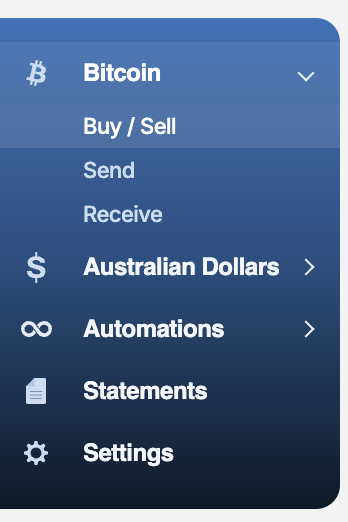
- Login and head to Bitcoin > Buy/Sell
- In the trading widget, ensure that 'Buy' is selected, then input the amount you want to buy in BTC or AUD terms. You can use the 'Max' button to buy the maximum amount of bitcoin using the dollars available in your account balance.

- After clicking 'Buy Bitcoin', you'll arrive at a confirmation page with an order valid for 30 seconds. Check the details, and if you're happy, click on 'Confirm Buy'.
You're done! You'll see another confirmation page, and can then navigate back to the buy/sell page. You can see your order history at the bottom of the page.
If you need to download an export of your orders, you can head to the Statements option in the side menu.
Want to withdraw bitcoin after you've bought some? Head to https://support.hardblock.com.au/article/224-sending-bitcoin-from-your-hardblock-account for a guide on how to do just that.
If you need more help, please reach out to our support inbox.