
Depositing Bitcoin into your Hardblock Account
Depositing bitcoin into your Hardblock account is easy.
This article describes how to deposit bitcoin into your account via a standard on-chain bitcoin wallet. For lightning network deposits, see this article: https://support.hardblock.com.au/article/57-lightning-network
Please note that bitcoin deposits must come from self-custodial bitcoin wallets. You must not deposit into your Hardblock account from a custodial bitcoin wallet, such as another exchange account. Depositing from custodial wallets is against our Terms of Service and may see your account closed down.
How to deposit Bitcoin into your Hardblock Account
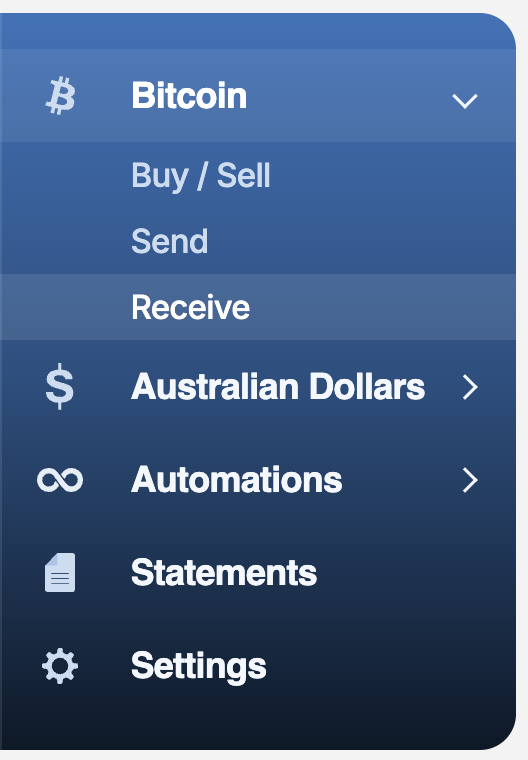
- Login to your account and head to Bitcoin > Receive:
- You will then see a QR code and bitcoin address string. Scan the QR code with your device with your bitcoin wallet on it, or copy and paste the address string into your bitcoin wallet that you want to send the bitcoin from.
- Depending on your wallet, your next steps will vary. Generally, you want to confirm the address is correct, then set the amount to send, and set your fee rate, before broadcasting the transaction.
- Once enough network confirmations are reached, your Hardblock account's bitcoin balance will update and you will receive an email notification (if enabled).